Image Credit: Unsplash
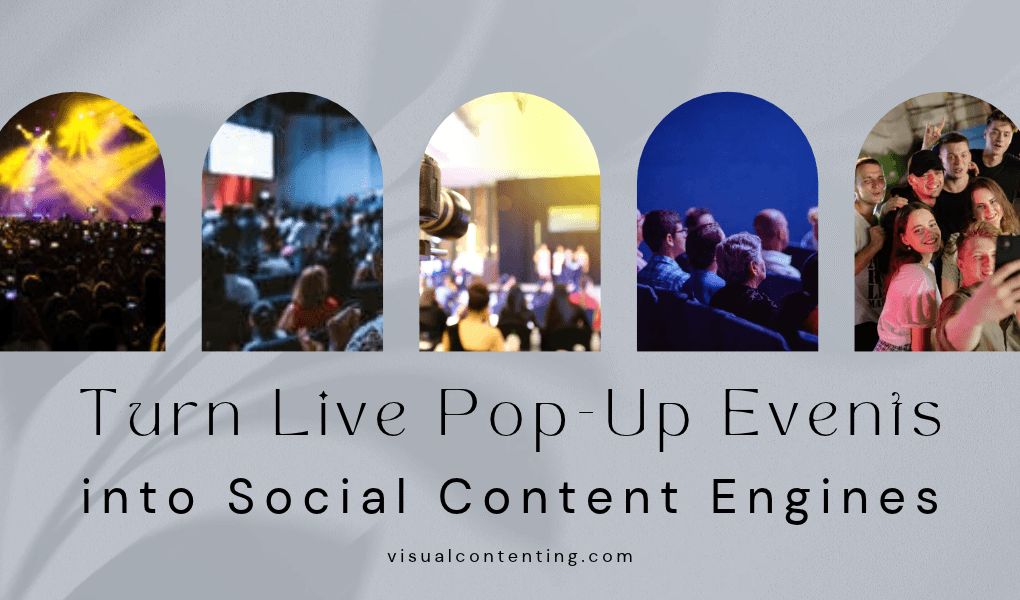
A live pop-up can produce weeks of social content when every part of the event gives guests a clear reason to photograph, tag and share. The physical experience may last a day or a weekend, but the videos, customer reactions and behind-the-scenes moments can keep reaching people long after the doors close.
That extended value requires more than placing a logo in the room. Brands need an event concept that feels relevant to the community, a visual environment built for phone cameras and a simple content plan for the material guests create. Here’s how to connect those pieces.
The Rise of Community-Focused Pop-Ups
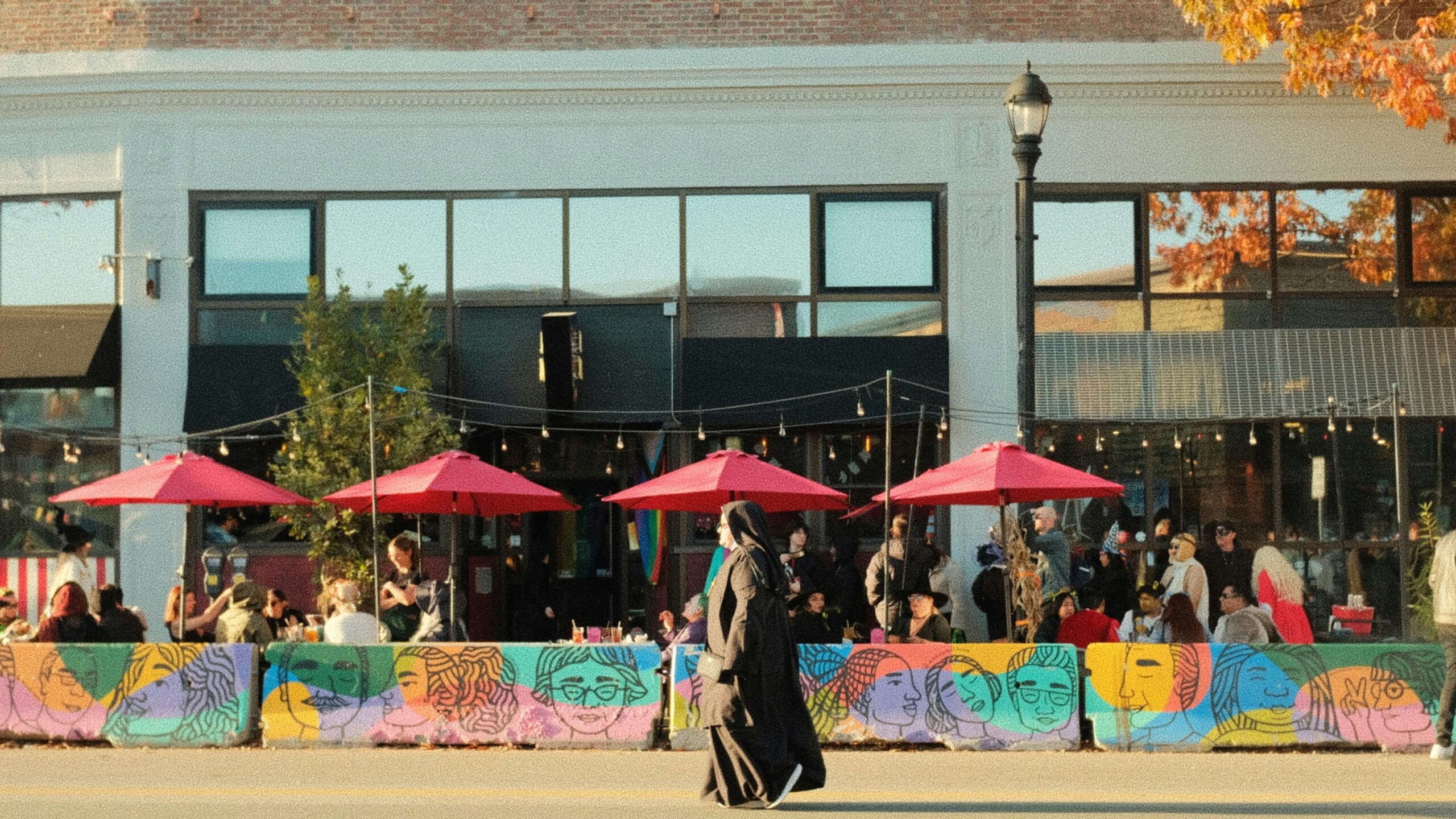
Pop-ups give brands a temporary physical space where people can experience a product, meet a team or take part in an activity. As this pop-up event overview explains, the format can support goals ranging from product launches to audience research. Its temporary nature also creates urgency without requiring a permanent location.
The strongest concepts have a clear community connection. A skin care brand might invite local wellness instructors to lead 20-minute sessions. A food company could organize a tasting with neighborhood chefs, while a software business might host free portfolio reviews for local creatives. Each activity gives people a useful experience and creates natural material for photos, interviews and short videos.
Start by defining the audience in specific terms. “Young professionals” offers little creative direction. “First-time freelance designers who want better client photos” suggests workshops, portrait stations and practical demonstrations. That level of detail helps you choose collaborators and design an event people will discuss online.
A brand pop-up strategy can also help teams test ideas in a focused setting. Pay attention to the questions guests ask, the displays they photograph and the activities that draw repeat participation. Those observations can shape future campaigns.
Local partnerships add credibility. Give collaborators a defined role and share a promotion schedule with them before opening day. Their audiences may discover the event through a familiar voice, while your social feed gains fresh perspectives that don’t feel like copies of the same brand post.
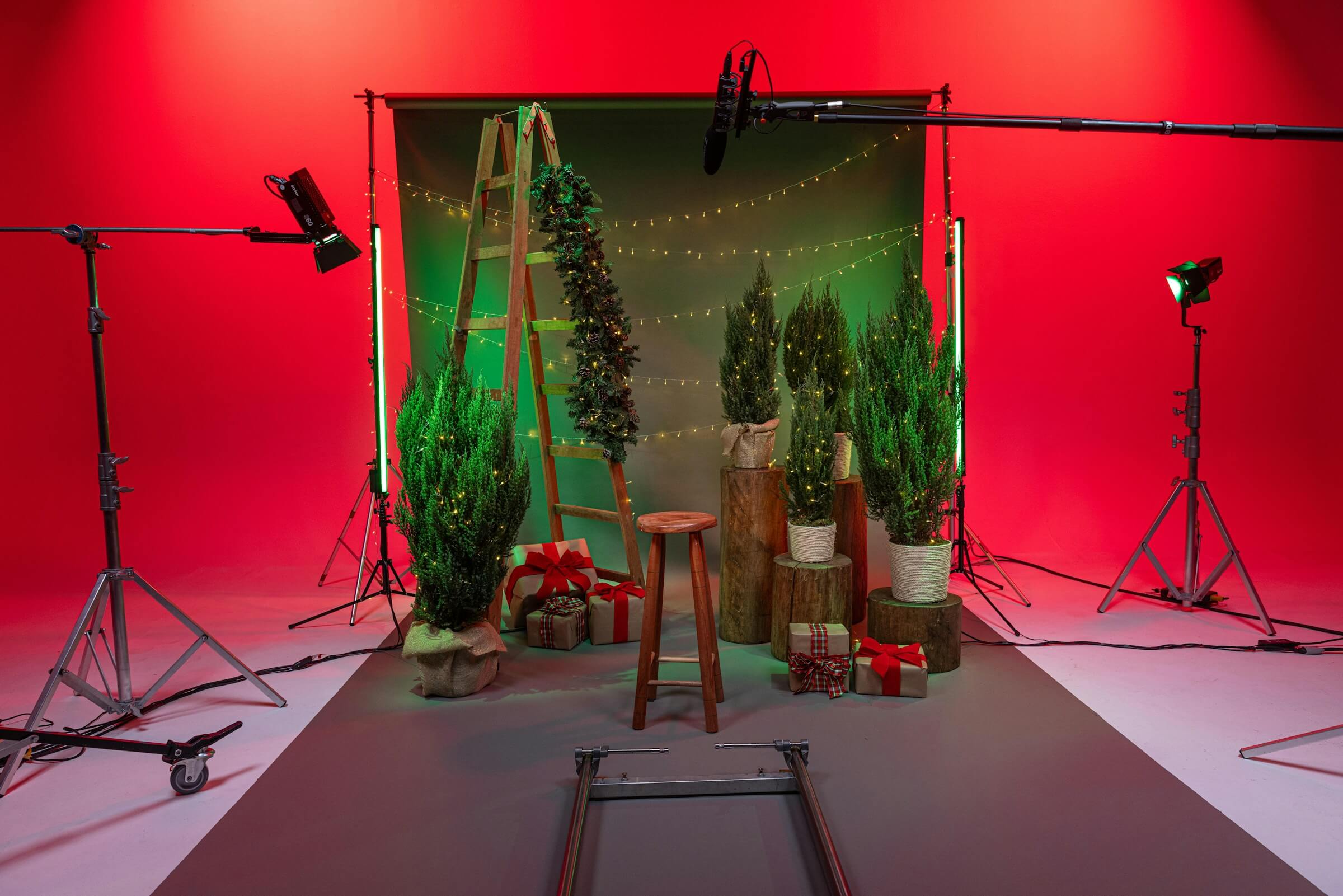
Image Credit: Unsplash
Designing Backdrops That Invite Photography
Treat the photo area as part of the guest experience, not an ads placed beside it. People are more likely to share an image when the scene looks polished, offers enough room for a group and makes them the focus.
Choose one visual idea that can be understood in a second. A dramatic color block, oversized product detail or locally inspired illustration usually photographs more clearly than a wall crowded with slogans. If the event needs a formal arrival or interview area, a step and repeat banner can establish a consistent background for portraits and short clips.
Scale matters because most guests will photograph the space vertically on a phone. Make the key visual elements visible behind one to four people and keep important text near eye level. Test the backdrop through a phone camera from several distances. This simple check can reveal glare, shadows or logos that disappear behind a person’s head.
Lighting also affects how often a photo gets posted. Use soft, even light across faces and avoid putting guests directly beneath a harsh ceiling fixture. A floor marker can show people where to stand, while a nearby phone stand can help solo visitors take part without handing their device to a stranger.
The best photo-worthy experiences often include an interactive detail. Consider movable letters, a choice of colorful props or a display that changes when someone touches it. Keep the interaction easy to reset so the photo station stays tidy as traffic increases.
Run a complete test before the event. Photograph staff members in different outfits and skin tones, review the shots on several screen sizes and remove any detail that creates visual clutter.
Encourage Real-Time Tagging and Sharing
Guests need clear information if you want them to mention the event accurately. Pick one short hashtag, confirm that it isn’t already associated with an unrelated campaign and display it at the entrance, activity stations and checkout or departure area. Include the correct social handle beside it.
A sharing prompt works best when it relates to what the guest has just experienced. After a customization workshop, ask people to show the item they created. Near a tasting station, invite them to name their favorite option. These prompts produce more useful posts than a broad request to “share your experience.”
Make participation optional and transparent. If you plan to repost attendee content, ask for permission through a direct message or a clearly explained submission form. A public tag may help you discover a post, but it shouldn’t automatically be treated as approval for every marketing use. Staff also need guidance on when they can film and how to respond when someone prefers not to appear.
Prepare a small real-time content team. One person can record scheduled moments while another monitors tags and answers practical questions. They should know the event timeline, approved account names and visual guidelines. A simple shot list might include the empty venue, doors opening, collaborator introductions, close-ups of activities and guest reactions.
Your social promotion plan should begin before opening day. Publish setup previews, introduce collaborators and show one recognizable design detail without revealing everything. During the event, post accurate updates about session times or capacity. Afterward, thank contributors and tell followers when they can expect recap content.
Fast sharing still needs quality control. Check captions, names and visible background details before publishing. A brief review can prevent incorrect tags and accidental exposure of private information.
Repurposing Event Content Across Social Feeds
Organize event files as soon as possible. Waiting a week leaves your team sorting through hundreds of similar clips with little context. Create folders for venue details, guest activities, interviews, partner content and team footage. Rename the strongest files with the subject, date and format so they’re easy to locate later.
One event moment can support several posts when each version has a distinct purpose. A 10-minute workshop recording might become a 45-second vertical recap, three instructional clips and a carousel that lists the speaker’s main tips. A guest interview could supply a short quote graphic and a longer caption about the problem your event helped address.
Build a publishing sequence based on relevance. Share immediate highlights within 24 hours while the event still feels current. Post practical demonstrations over the next two weeks, then use evergreen material such as FAQs or expert advice later in the month. This pacing keeps the feed active without making followers feel as though they’re seeing the same recap repeatedly.
Edit for each platform instead of posting one identical file everywhere. Vertical clips need readable captions and a strong opening frame. A professional network may suit a post about planning decisions or lessons from a collaborator, while an image-led platform can focus on visual details and attendee creations. Email can house a longer recap with registration information for the next event.
Track more than views. Saves can show that a tutorial has lasting value, while shares suggest the content feels relevant to someone beyond the original attendee. Comments may reveal unanswered questions that deserve their own post. Compare these signals with event goals and document which stations produced the strongest material.
Before the next pop-up, review the content library with the event team. Keep the visual features that encouraged participation, improve any poorly lit areas and revise prompts that guests ignored. The most useful result is a repeatable system in which every physical touchpoint has a clear role in the digital story.
A pop-up’s closing time shouldn’t mark the end of its usefulness. When files are labeled, permissions are recorded and follow-up posts are scheduled promptly, one weekend can supply a focused stream of community-led content for weeks.
Related Posts



Community manager at Visual Contenting. Jacqueline loves to talk about social media trends, new technology and how they help businesses accelerate their marketing efforts.