Image Credit: Unsplash
Marketing teams lose valuable time when receipts, contracts, and campaign files are scattered across inboxes, desks, and personal devices. A practical document workflow puts those materials in one searchable system, so team members can find what they need and keep projects moving.
The tools don’t need to be complicated. A phone-based scanner, clear file names, and shared storage can turn everyday paperwork into organized digital records. The steps below will help your team build a process that works in the office, at events, and on the road.
The Daily Document Burden for Marketers
Marketing creates more paperwork than many teams realize. Event receipts must reach finance, vendor contracts need approval, and creative briefs move between employees, freelancers, and agencies. Even a small campaign may generate quotes, invoices, release forms, printed notes, and several versions of the same presentation.
The problem grows when each person handles these files differently. One employee may photograph receipts, while another keeps paper copies in a laptop bag. A manager might save signed agreements to email without adding them to the campaign folder. When someone needs a document three months later, the search can take longer than the original task.
Start by listing the document types your team handles each week. Assign a standard destination and an owner to each type. For example, event receipts could go to a monthly expense folder managed by the operations coordinator. Vendor agreements might go to a restricted contracts folder maintained by the marketing director. This simple inventory helps you choose useful tools instead of adding software without a clear purpose.
Quickly Capture Event Receipts and Contracts
Capture paper documents at the point of use. After paying for booth materials or signing a venue agreement, scan the document before returning it to a wallet, bag, or folder. This reduces the chance of losing it during travel and gives colleagues faster access.
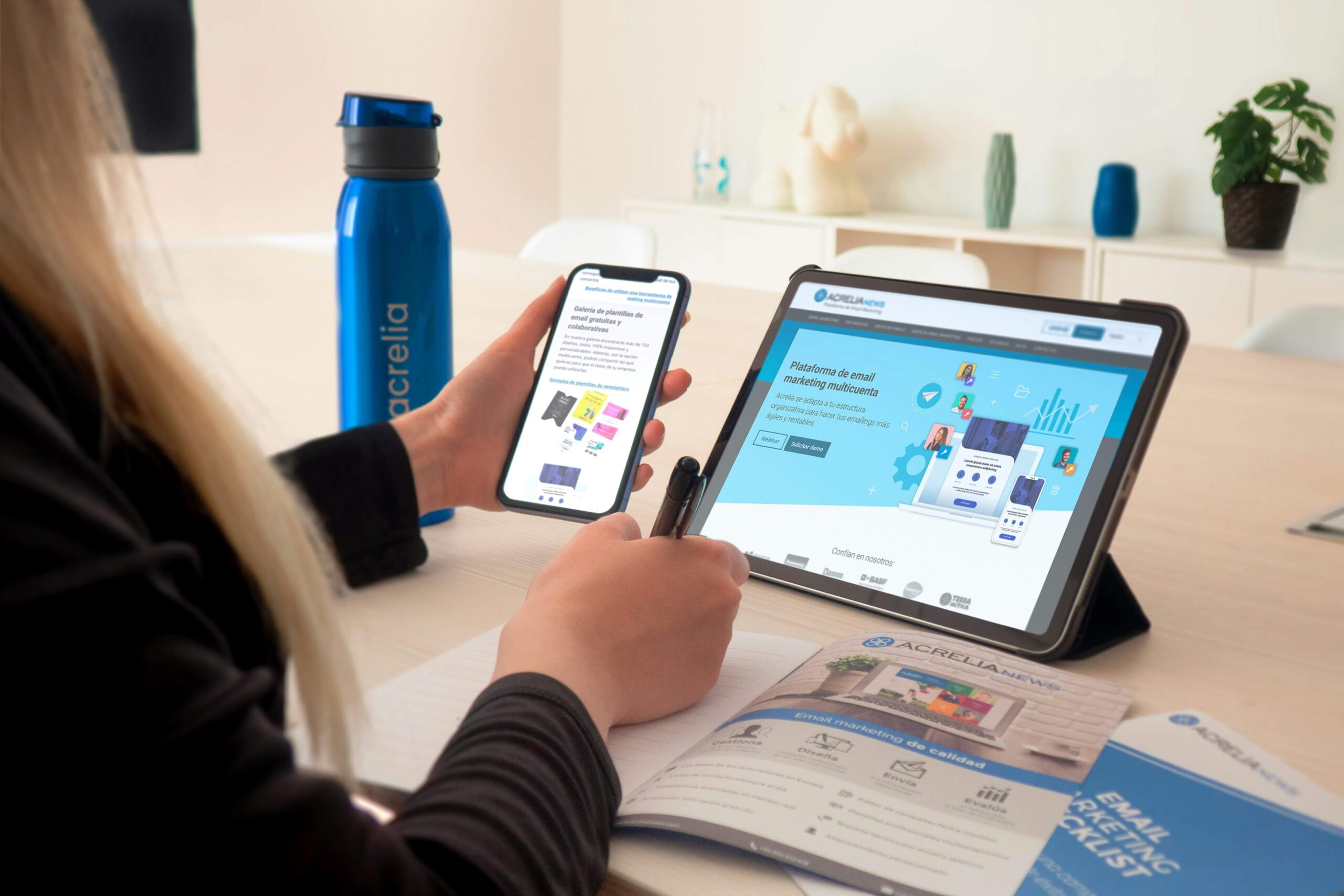
For iPhone and iPad users, a mobile scanner app can scan receipts, contracts, IDs, and photos, then export them as PDF or image files. Check each scan before saving it. All four corners should be visible, and small text, totals, and signatures should be easy to read. Give multi-page contracts a quick page count as well.
Create a short routine for event days:
- Scan each receipt as soon as the transaction is complete
- Name the file with the date, vendor, and purpose
- Add the campaign or event name
- Upload the file to its shared folder
- Keep the original until your expense process is complete
A file named `2026-10-08_VenueCo_LaunchEvent.pdf` is far more useful than `Scan_1847.pdf`. Consistent details also make duplicate files easier to spot.
Organizing Campaign Materials Digitally
A useful folder structure should tell a new team member where to save a file without requiring a long explanation. Create one main folder for each campaign, then add a small set of standard subfolders such as planning, creative, contracts, reports, and expenses. Avoid building many layers because deeply nested folders slow down routine searches.
File names should follow the same logic across the team. A practical format is `YYYY-MM-DD_Campaign_DocumentType_Version`. For example, `2026-10-12_SpringLaunch_CreativeBrief_v03.pdf` identifies the date, project, content, and revision at a glance. Reserve terms such as “final” for approved materials, and include an approval date when several final-looking versions may exist.
Your document system should also connect with the team’s wider technology choices. A curated list of marketing productivity tools can help you compare options for project management, communication, and content creation. Add new software only when it solves a documented problem. If files remain hard to find, another dashboard won’t fix inconsistent naming or unclear ownership.
Campaign organization also supports better content planning. The publisher’s keyword research workflow offers a practical model for turning research into organized marketing tasks.
Sharing Files Seamlessly Across Teams
Choose one approved sharing location for active campaign documents. When teams split files across chat attachments, email threads, and personal storage accounts, people often edit outdated copies. A central folder gives everyone a clear source for current materials.
Set permissions according to responsibility. Designers may need editing access to creative folders, while external vendors may only need access to one delivery folder. Contracts and identification documents should have tighter controls than public campaign assets. Review access after a project ends, especially when agencies, temporary staff, or freelancers have participated.
Use links to shared files in project messages instead of attaching fresh copies. If a manager comments on a presentation, the designer can update the original file and preserve one revision history. Notifications should also be selective. Alert the project owner when approval is required, but don’t notify the entire department every time someone corrects a caption.
Automation may help with repeatable handoffs. Microsoft’s collection of AI transformation stories shows how organizations are applying AI across business processes. For a marketing team, a modest starting point could be automatic receipt routing or document tagging, with a person checking the result before filing.
From Paper to Pixel: A Smart Workflow
Write the process as a short sequence that employees can follow under deadline pressure. Begin with capture, then move through quality review, naming, storage, and sharing. Assign responsibility at each point so a scanned contract doesn’t sit on someone’s phone while colleagues assume it has been filed.
Test the workflow with one real campaign for two weeks. Track how long it takes to submit an expense, locate an approved asset, and confirm the latest contract version. Ask team members where the process caused hesitation. A confusing folder label or an extra approval step can create more delay than the scanning itself.
Set a retention schedule with your finance, operations, and legal contacts. Some documents may need to remain available for accounting or contractual purposes, while duplicate drafts can be removed once the campaign closes. Backups and access controls should follow your organization’s existing policies.
The best final check is simple: ask someone who didn’t create the campaign to locate one receipt, one signed agreement, and the approved creative file. If that person can retrieve all three within a few minutes, your digital workflow is doing its job.





Community manager at Visual Contenting. Jacqueline loves to talk about social media trends, new technology and how they help businesses accelerate their marketing efforts.